
Blue Collar VR Training - Welding & Stamping Operations

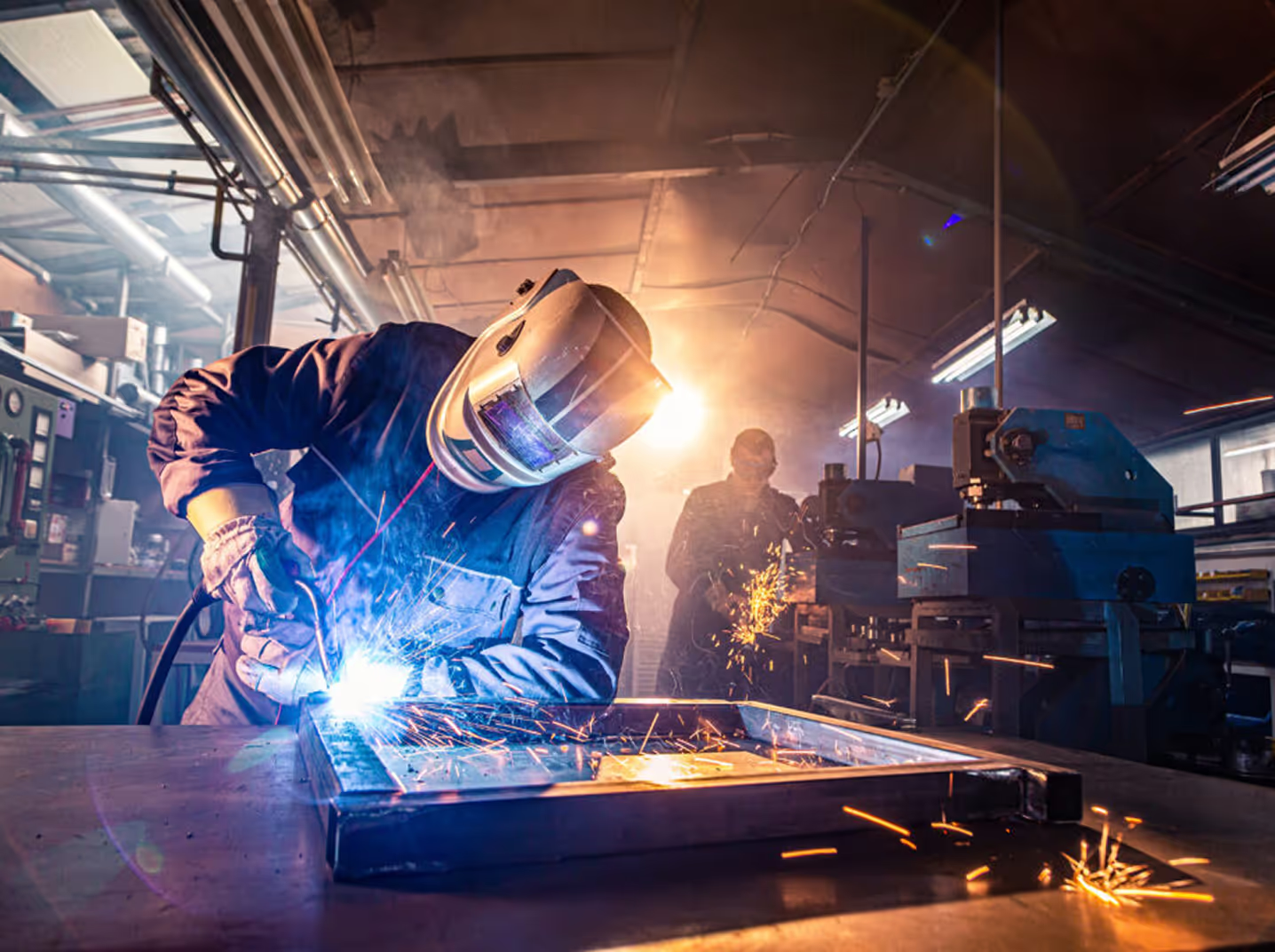
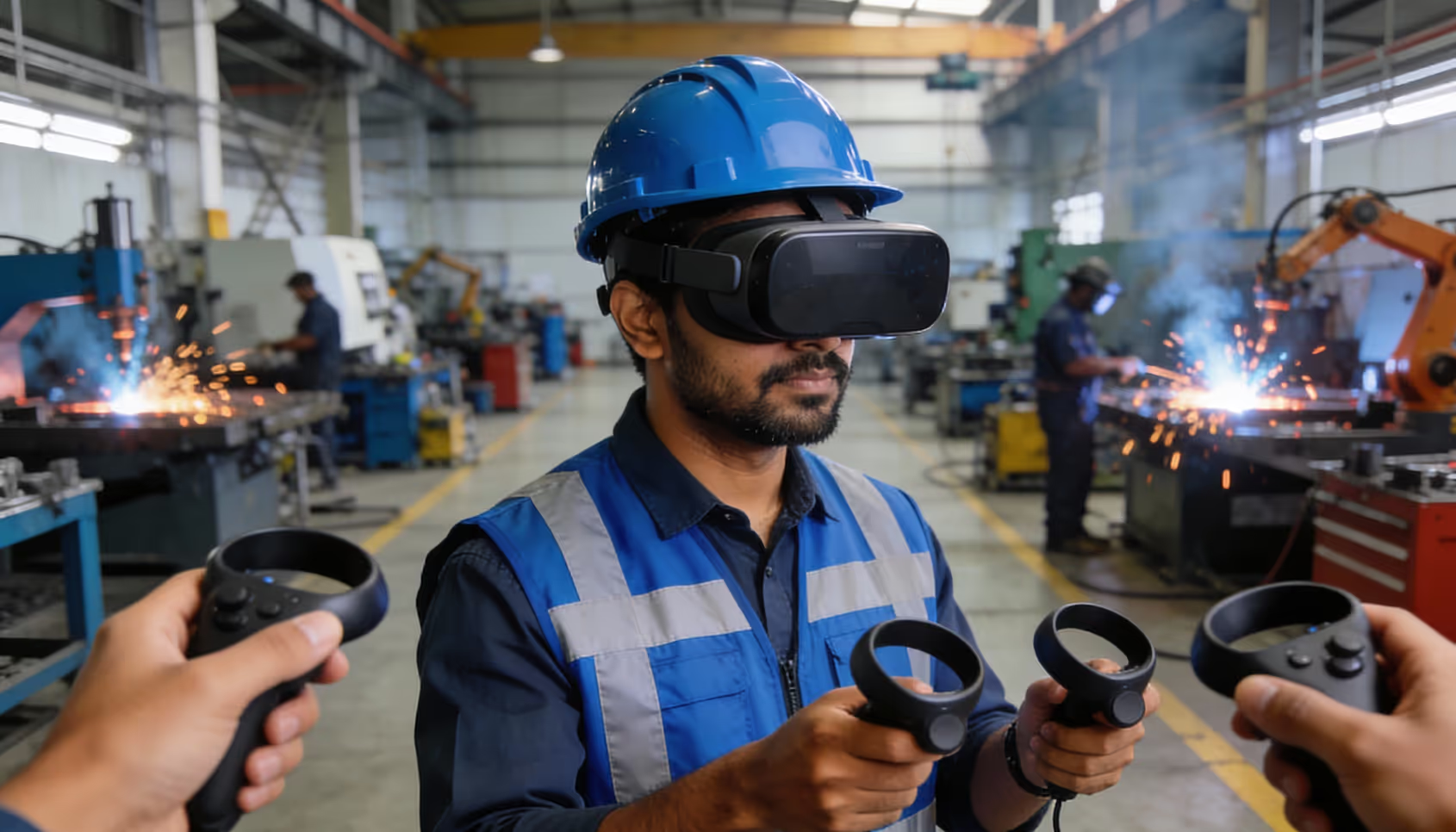
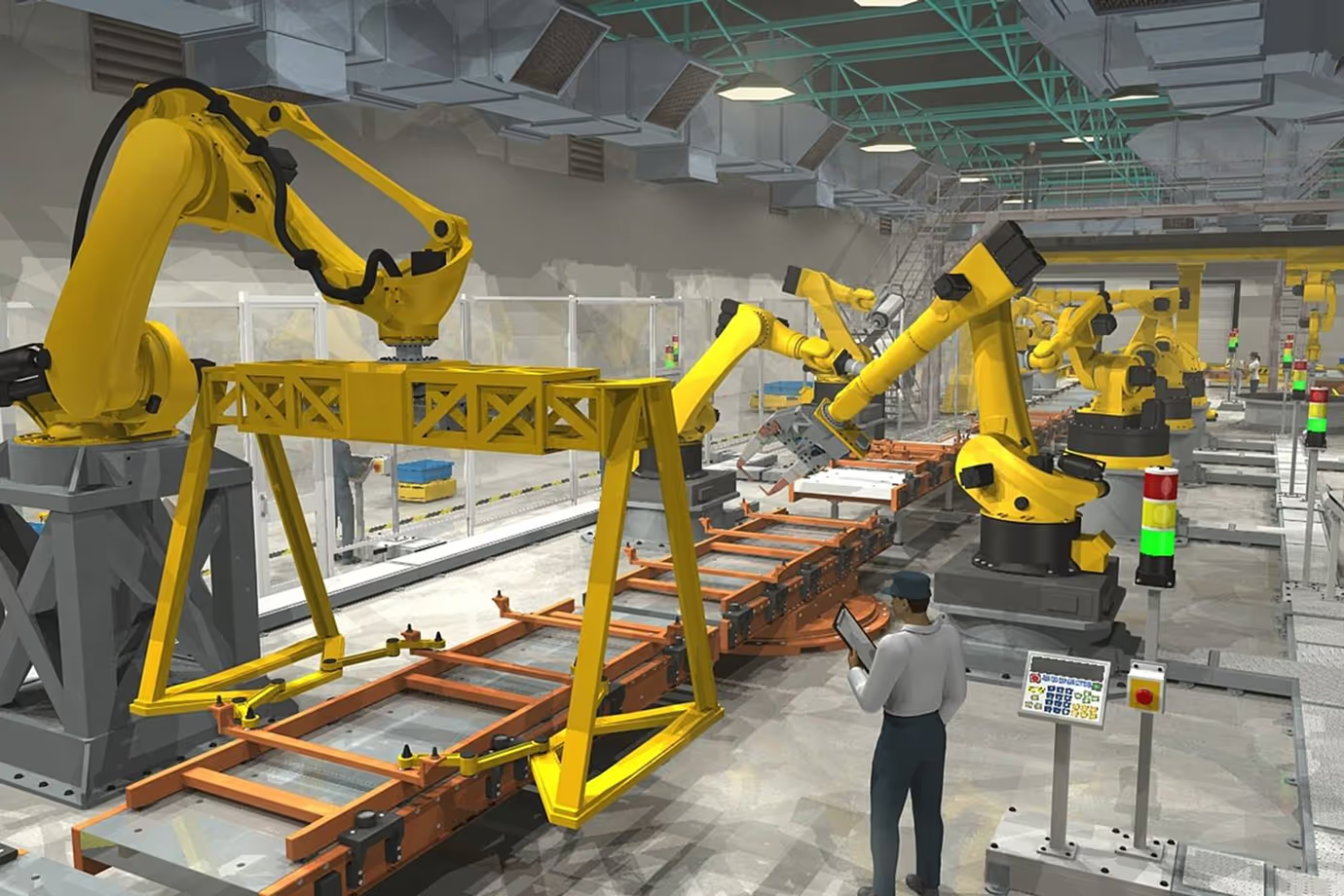
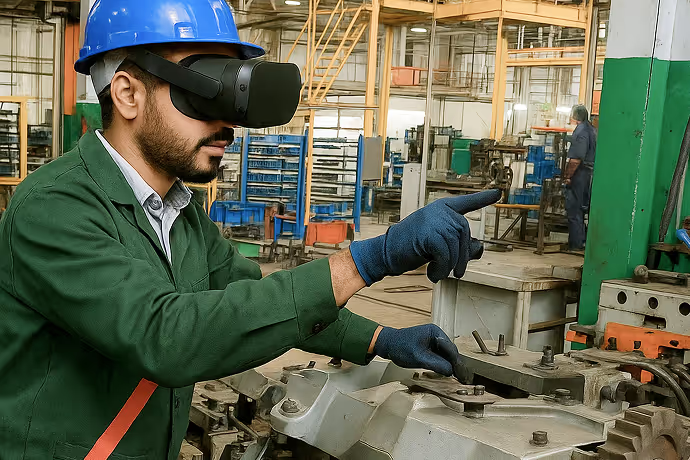
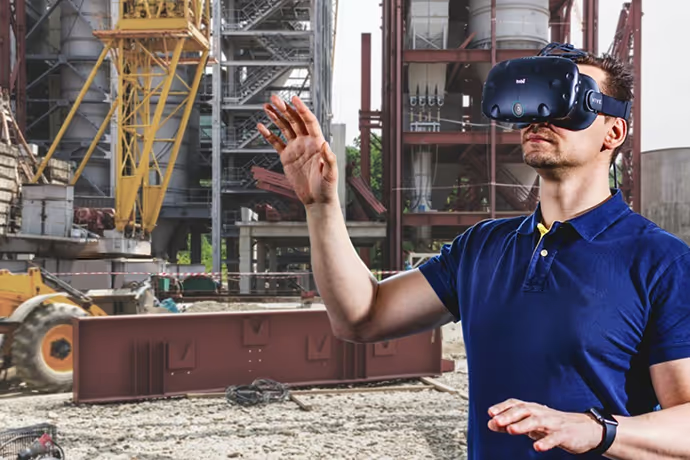
Train operators on welding and stamping lines inside a machine-accurate virtual shopfloor before they go near live equipment, using Meta Quest VR headsets.
VR Simulation-Based Training
Welding & Stamping Operations
We are here to help you!! Contact us at: +91 84479 20977 Or Schedule Meeting

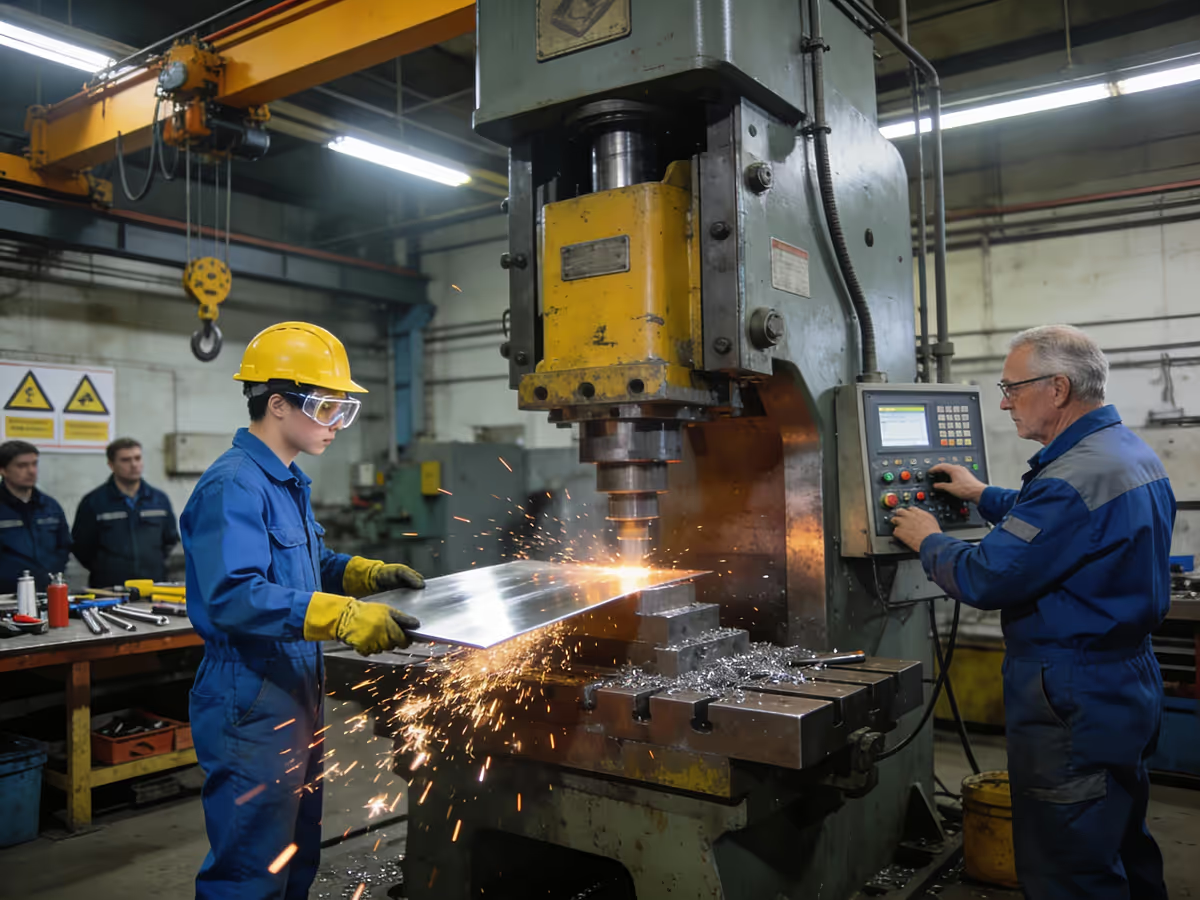
Why Traditional Shopfloor Training Struggles

Checkmark
Station-Specific, Siloed Training:  

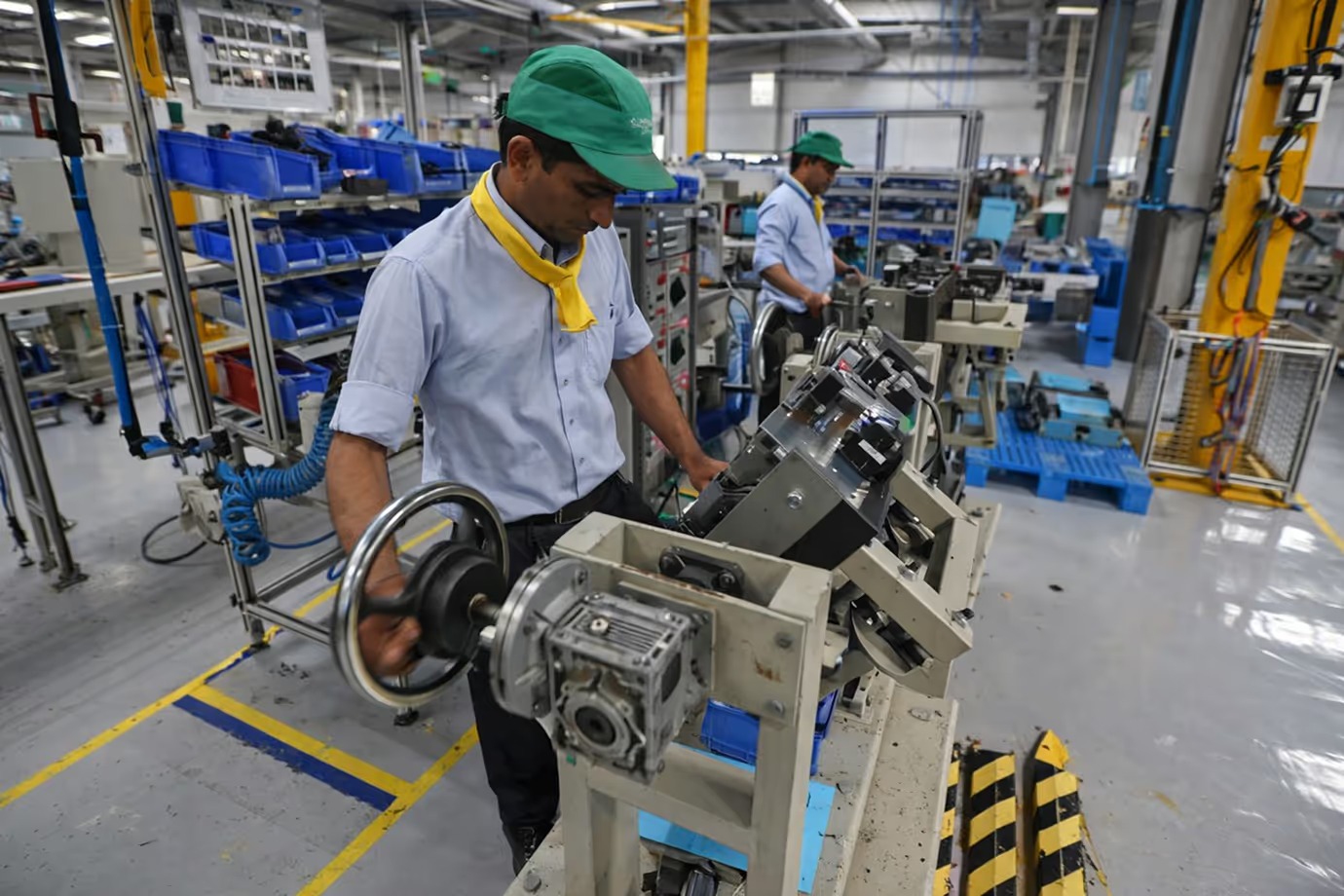
Operators are trained only on their assigned station, with limited visibility of upstream or downstream processes, making redeployment and cross-skilling difficult.
Checkmark
High Risk in Early Learning Phases:

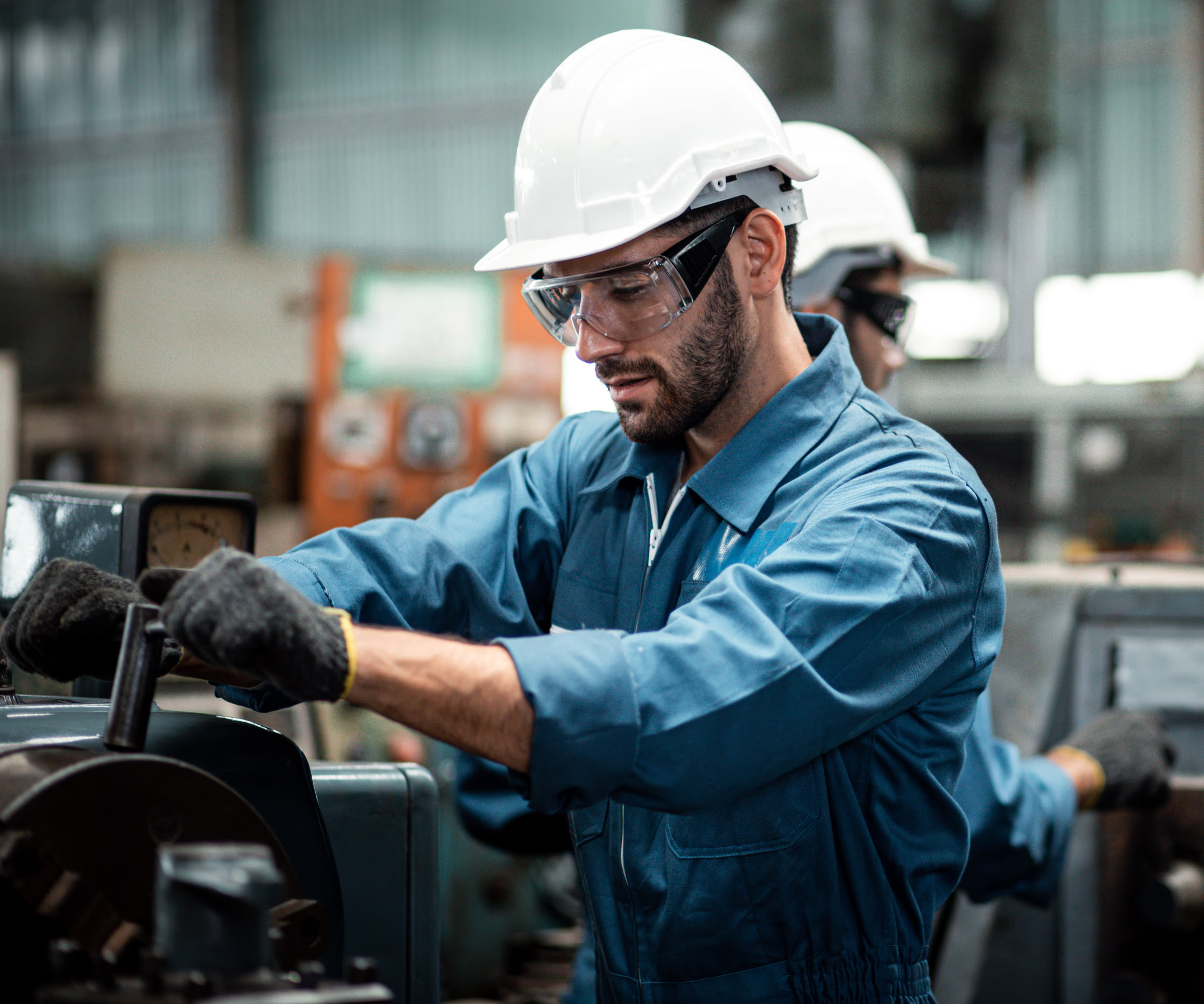
New hires and inexperienced workers learning on real welding and stamping machines increase the risk of errors, rework, and safety incidents.
Checkmark
Limited Access to Live Machines:

Production priorities leave little time to park machines for training, so onboarding waits for rare idle windows or shadowing opportunities.
Checkmark
No Standardisation Across Plants:

Each plant or trainer runs sessions differently, so skill levels and safety practices are inconsistent across units and shifts.

What Is Blue Collar VR Training?

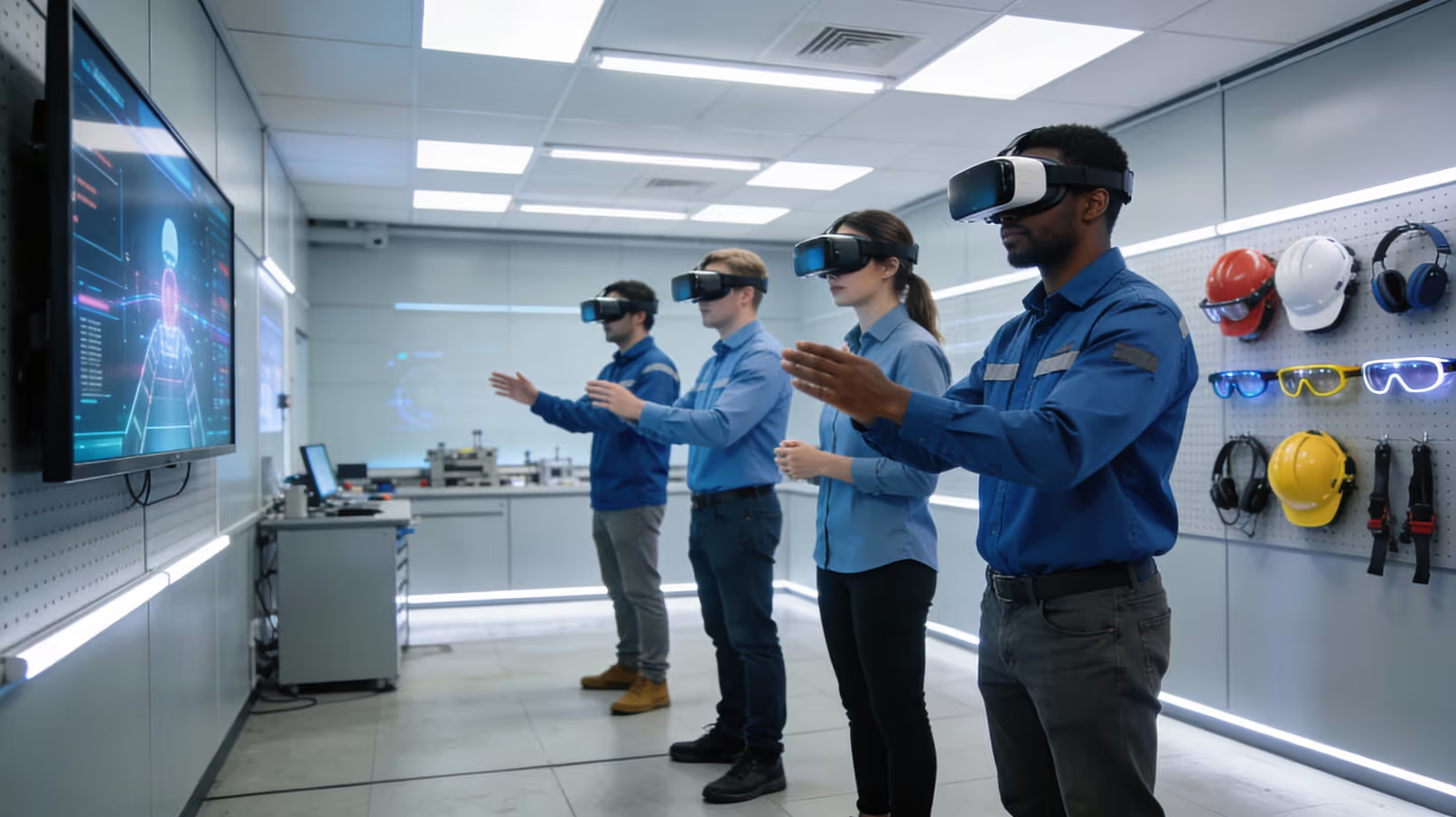
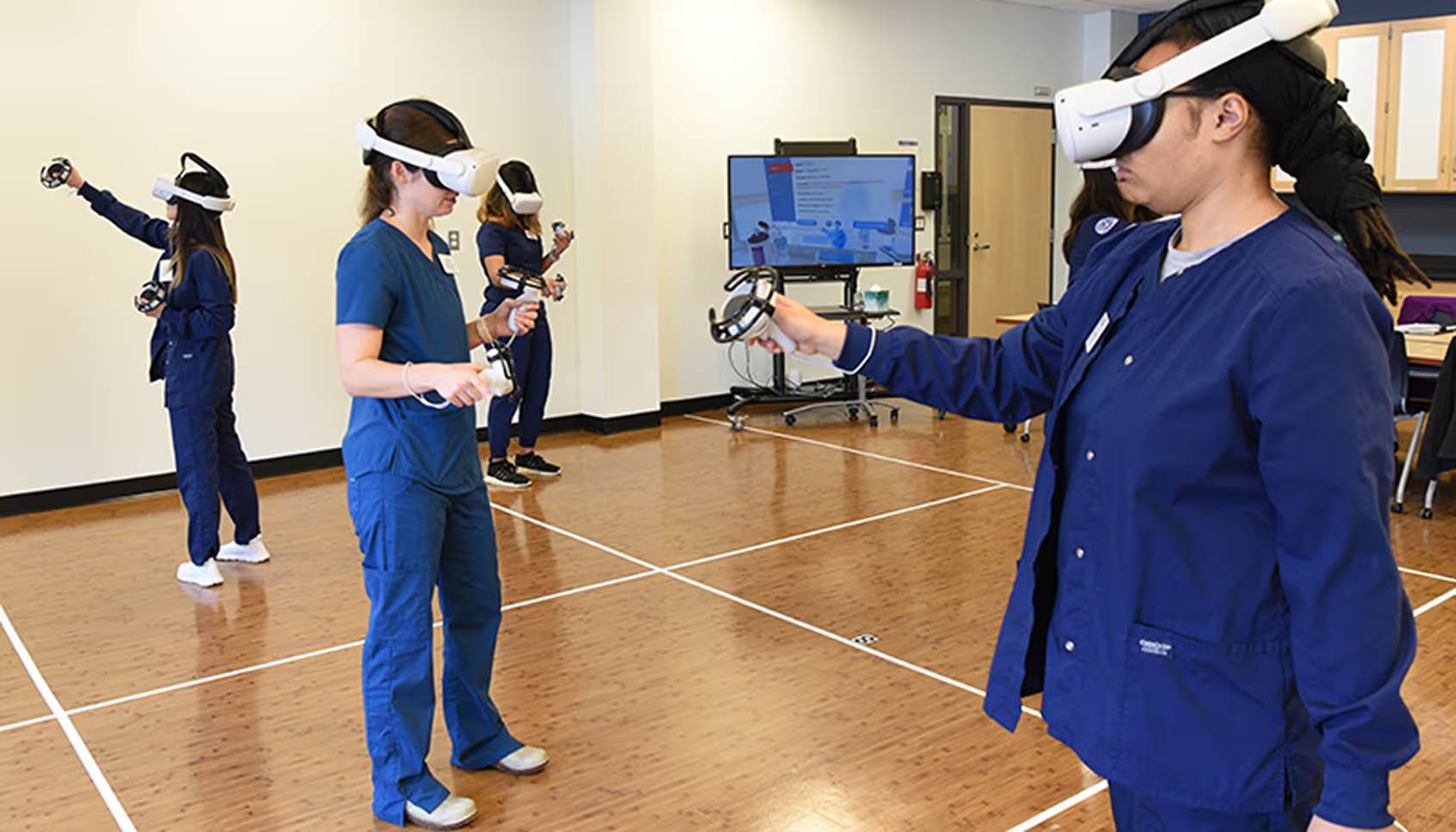
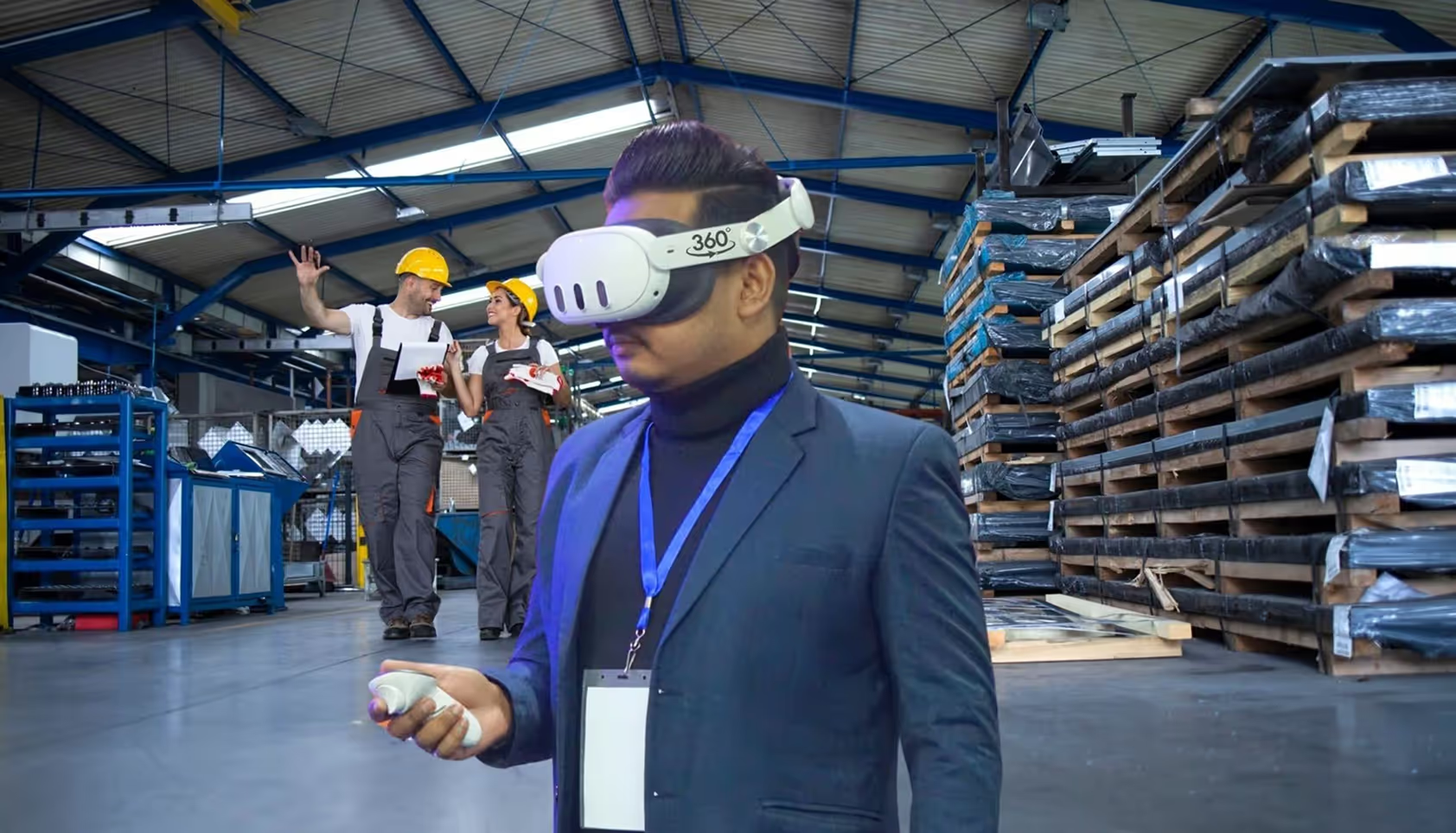
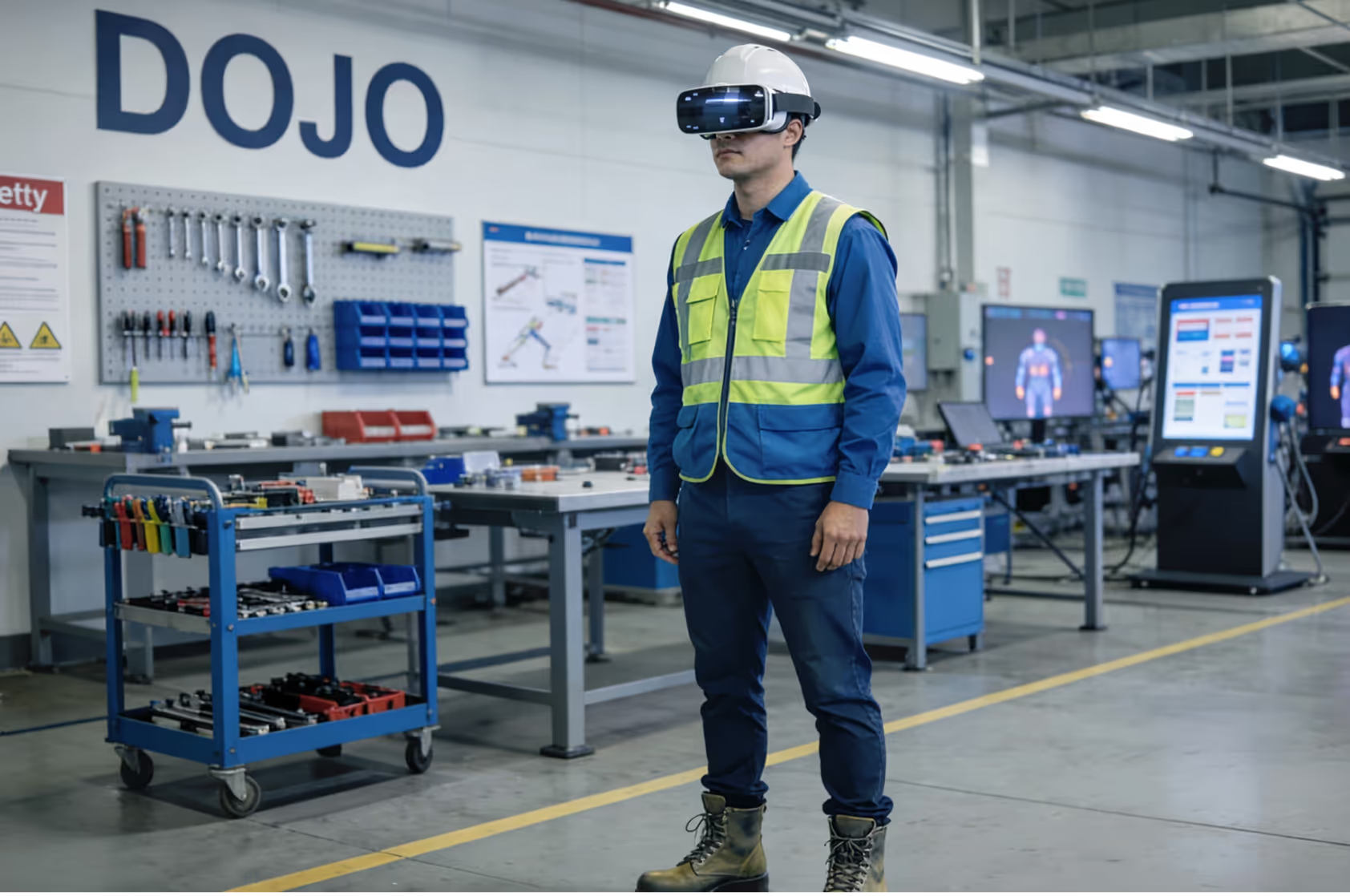
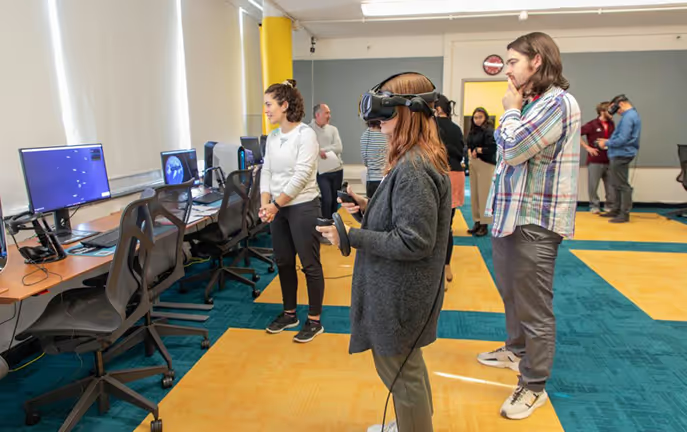
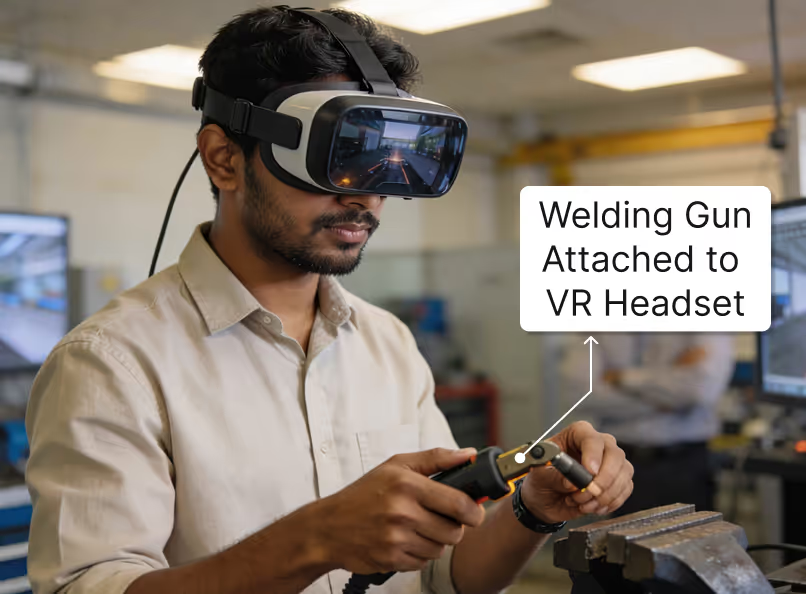
High-fidelity VR and MR simulations for welding and stamping operations, built on actual shopfloor processes.Blue Collar VR Training is a virtual reality training platform that mirrors your welding and stamping operations inside a safe, interactive 3D environment. Operators wear a Meta Quest headset, complete a Mixed Reality introduction in a DOJO-like room, and then step into VR modules for MIG welding, spot welding, projection welding, and stamping operations. Every step—from PPE checks and parameter setup to machine handling, QA, rework, and dispatch—is simulated using custom-built 3D models of your machines and shopfloor.

Business Outcomes for Plant, Safety & L&D Teams

Mixed Reality DOJO Introduction

Space
Virtual DOJO-style room used as a training lobby before entering machine simulations.
Avatar Host
A digital avatar stands to one side, welcoming the worker and narrating company story, safety culture, and training purpose.
Corporate Screen
A virtual TV alongside the avatar plays a corporate or safety video while the narration runs.
Data Capture
Prompt for employee ID or name at the start to log participation and link progress to users.
Transition
At the end, the environment smoothly shifts from Mixed Reality to full VR, where the operator chooses training modules.
Languages
Voiceover and text can be delivered in multiple languages (for example, English, Hindi, Marathi) for shopfloor accessibility.

VR Training Modules for Welding & Stamping

brand mascots in holobox
Step-1

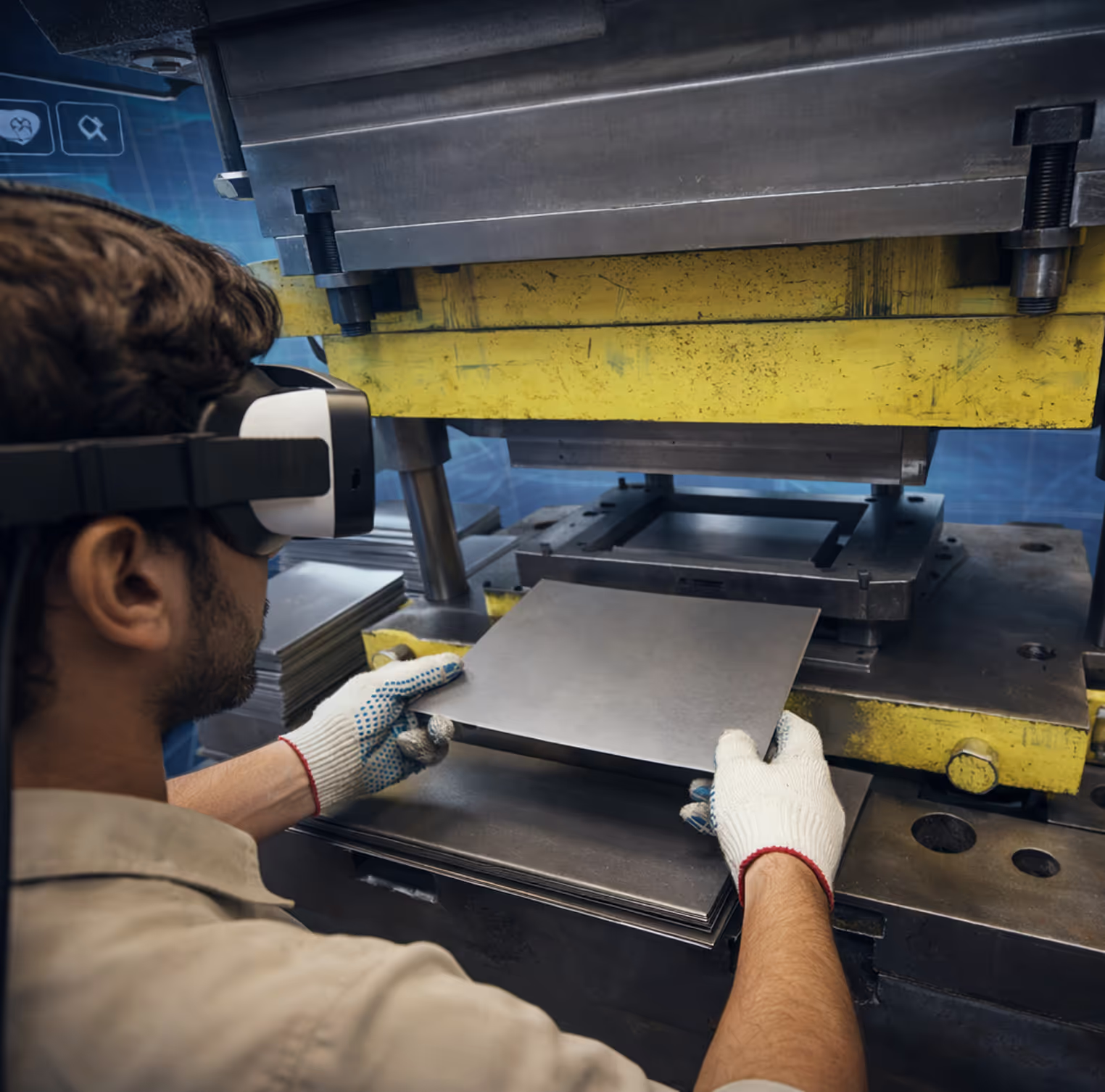
Stamping Operations · End-to-End Process

The stamping module explains the full process from raw material loading to final inspection, helping workers understand their role. Training is available in “All” mode with guided steps and safety cues for new hires, or in station-specific mode that focuses on relevant tasks, controls, and common errors for each station.
Key Highlights:
Checkmark
Station-wise journeys for raw material, shearing, blanking, draw, trim, flange, pierce, rework, and dispatch.
Checkmark
Interaction complexity ranges from simple tap-based scenes to high-precision two-hand handling with defect simulation.
brand mascots in holobox
Step-2

Spot Welding · Safety, Setup, Execution & QA

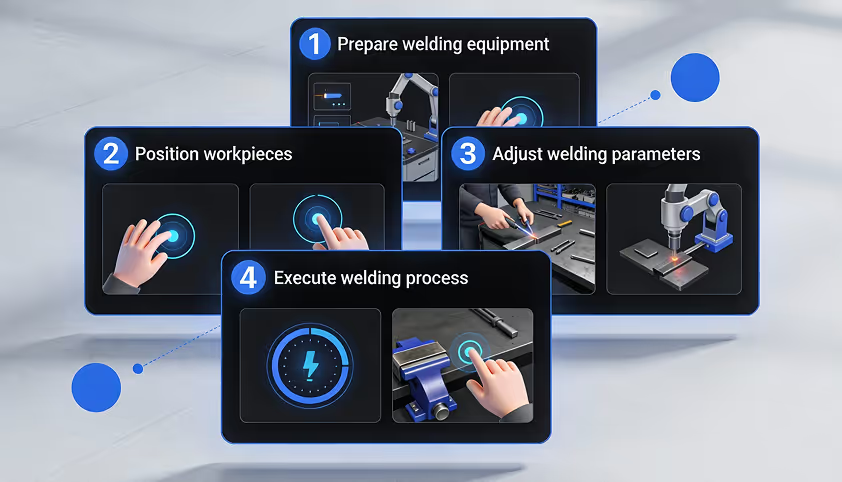
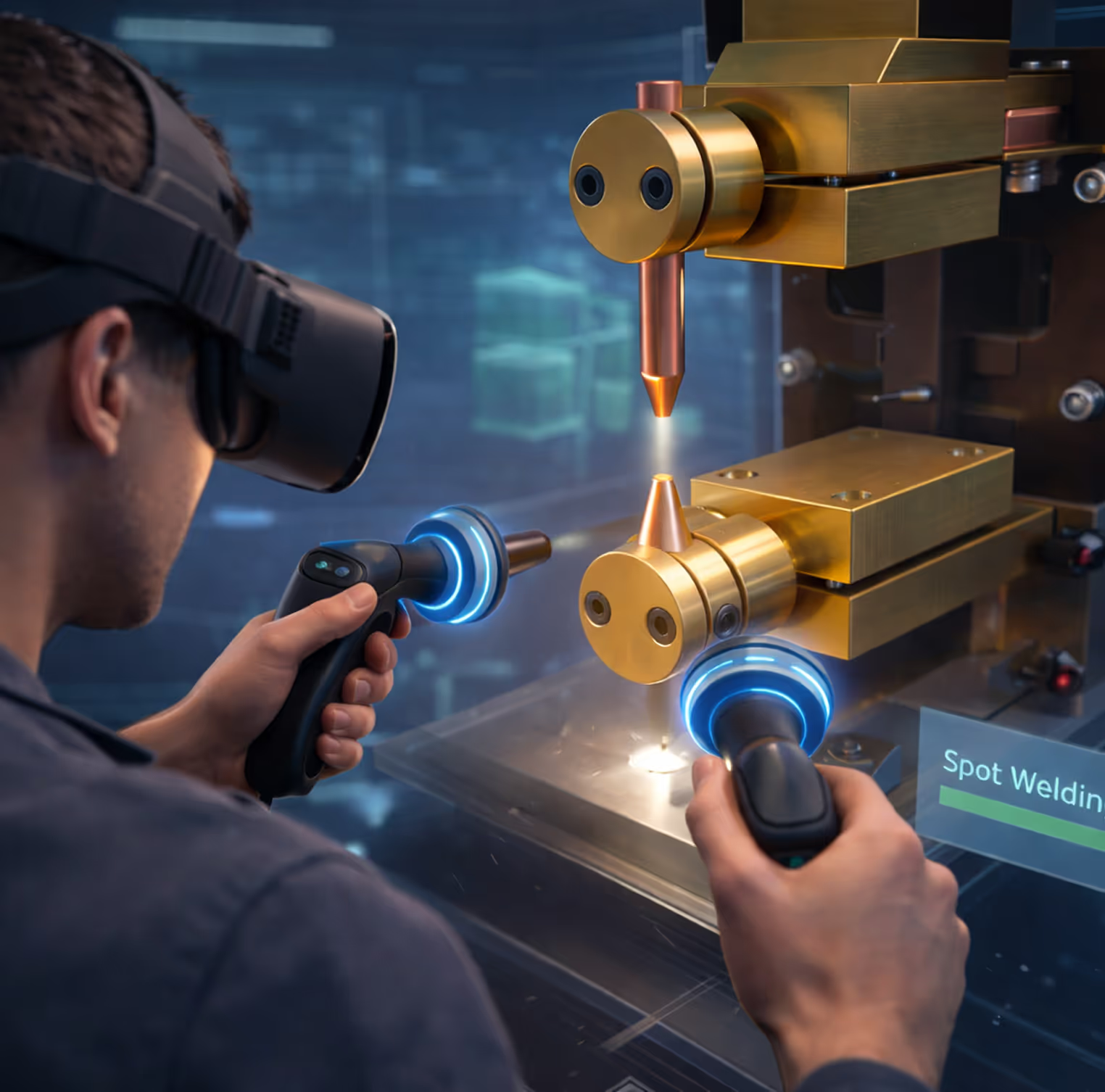
The spot welding module replicates the real cell, covering PPE checks, inspections, parameter verification, loading, clamping, welding, and de-clamping.

Operators practice weld checks, electrode changes, and strength tests, with realistic simulation of squeeze, weld, and hold sequences. The module also trains defect identification, rework steps, and OK/NG tagging.
Key Highlights:
Checkmark
Step-by-step flows for PPE, machine start-up, parameter setup, and cycle start.
Checkmark
High-interaction steps for loading, clamping, job removal, and electrode maintenance.
brand mascots in holobox
Step-3

Projection Welding · Nut Welding & Quality

Projection welding training covers preparation, nut selection, cleaning, placement, parameter setting, and welding. Trainees check projection collapse, identify defects, and place finished parts on output pallets. The VR sequence includes calibration, electrode care, cooling, grounding, safety checks, pre- and post-weld inspections using reference parts.

Key Highlights:

Checkmark
Detailed flows for nut handling, projection welding, and post-weld inspection.
Checkmark
Interactive diagnostic steps for parameter tuning and safety interlocks.
brand mascots in holobox
Step-4

MIG Welding · Manual Welding Training

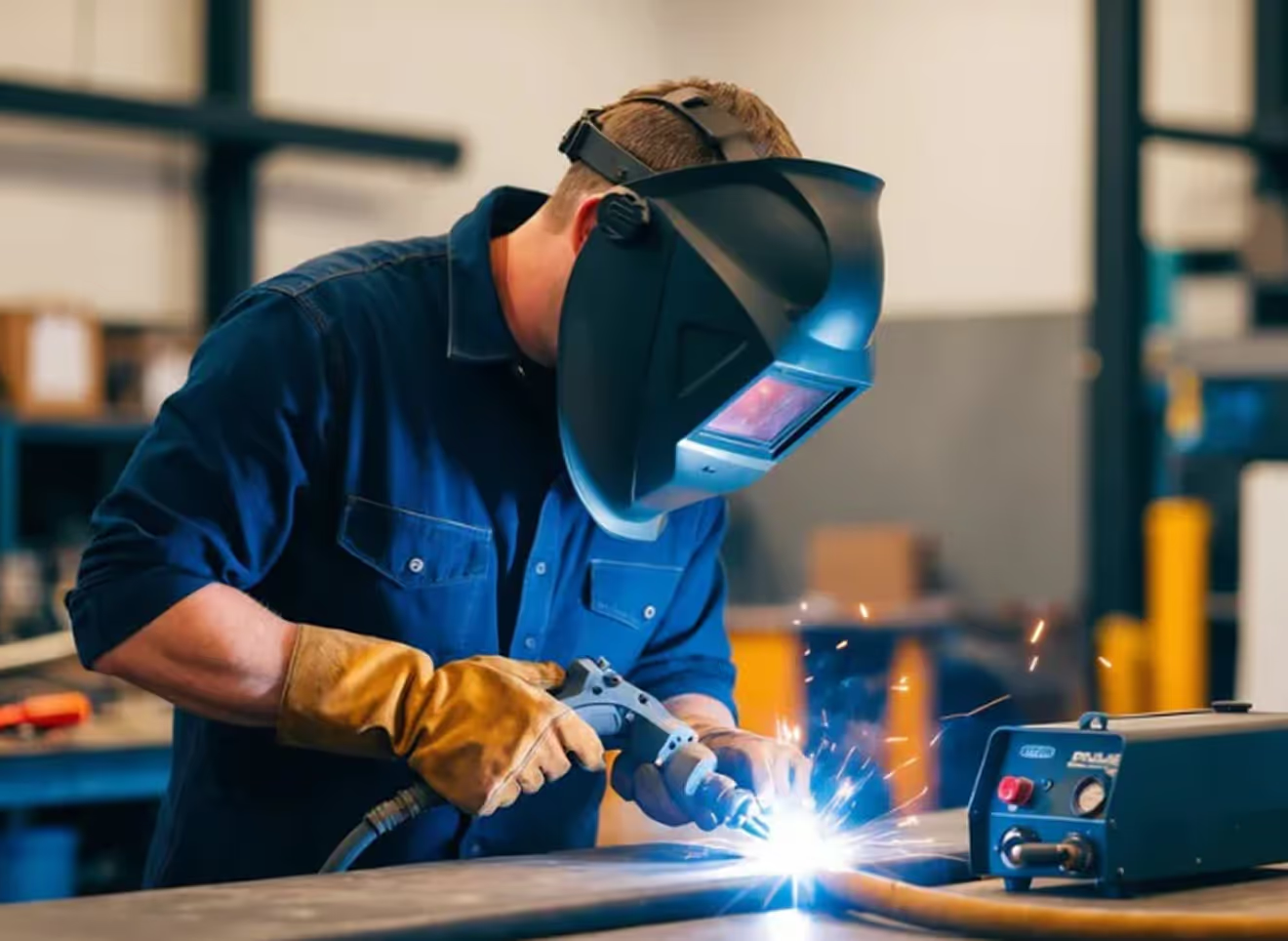
The MIG welding module focuses on manual welding steps such as PPE, machine checks, torch handling, travel speed, angle, and bead quality. Operators see live feedback on poor torch angles or speeds, with visual cues and simulated defects like porosity or undercut.The experience teaches correct setup, welding posture, and quality checks in a controlled environment, before operators move to actual parts. As with other modules, a guided mode introduces the basics and a non-guided test mode validates independent performance.

Key Highlights:

Checkmark
Realistic welding arc, bead formation, and defect scenarios
Checkmark
Designed to work with controllers and hand-tracking, depending on device configuration.

Guided Training and Unguided Assessment

Guided Training Mode
Voiceover instructions, visual overlays, and prompts guide each step—from PPE and machine checks to execution and QA.
Unguided Assessment Mode
Same VR environment, but with no voiceover guidance; operators must perform the full sequence independently.
MCQ Assessments
Optional multiple-choice questions at the end of modules to validate conceptual understanding of parameters, defects, and safety.
Performance Metrics
Time taken, error points, sequencing mistakes, hints used, and pass/fail status recorded for each attempt.
Contextual Hints
If a worker gets stuck or repeats wrong actions, subtle hints appear (for example, suggesting the correct tool) to avoid frustration.

Deployment on Meta Quest & Hosting Options

Hardware & Hosting Overview

VR Devices
Meta Quest 3 or similar standalone headsets with custom VR travel kits per plant, including chargers, cases, and accessories
Content Engine
Built using a modern 3D engine to support high-fidelity models, smooth interaction, and future upgrades.
Cloud Hosting
Central cloud environment for multi-plant access, suited for unified dashboards and centralized content updates.
On-Premise
Local server or edge machine within the plant, used when internet access is restricted and data must stay on-site
Private Cloud
Dedicated cloud tenancy or VPN-based access, balancing centralization with stricter security controls.
Offline Mode
Core training modules can run fully offline on the headsets, with data sync to the chosen backend when connectivity is available.

Project Phases & Rollout Journey

Commercial Structure (Without Rate Card)

Blue Collar VR Training is typically scoped as a combination of VR training content, 3D modeling, headgear kits, and hosting/support, without publishing actual prices on this page.
1. VR Training Content

Modules for stamping, spot welding, projection welding, and MIG welding with step-by-step interactions.

  • Content sized by number of steps and interaction complexity (low, medium, high).

  • Includes guided training flows and unguided assessments for each process.

  • Multilingual voiceovers and on-screen text as per plant workforce needs.
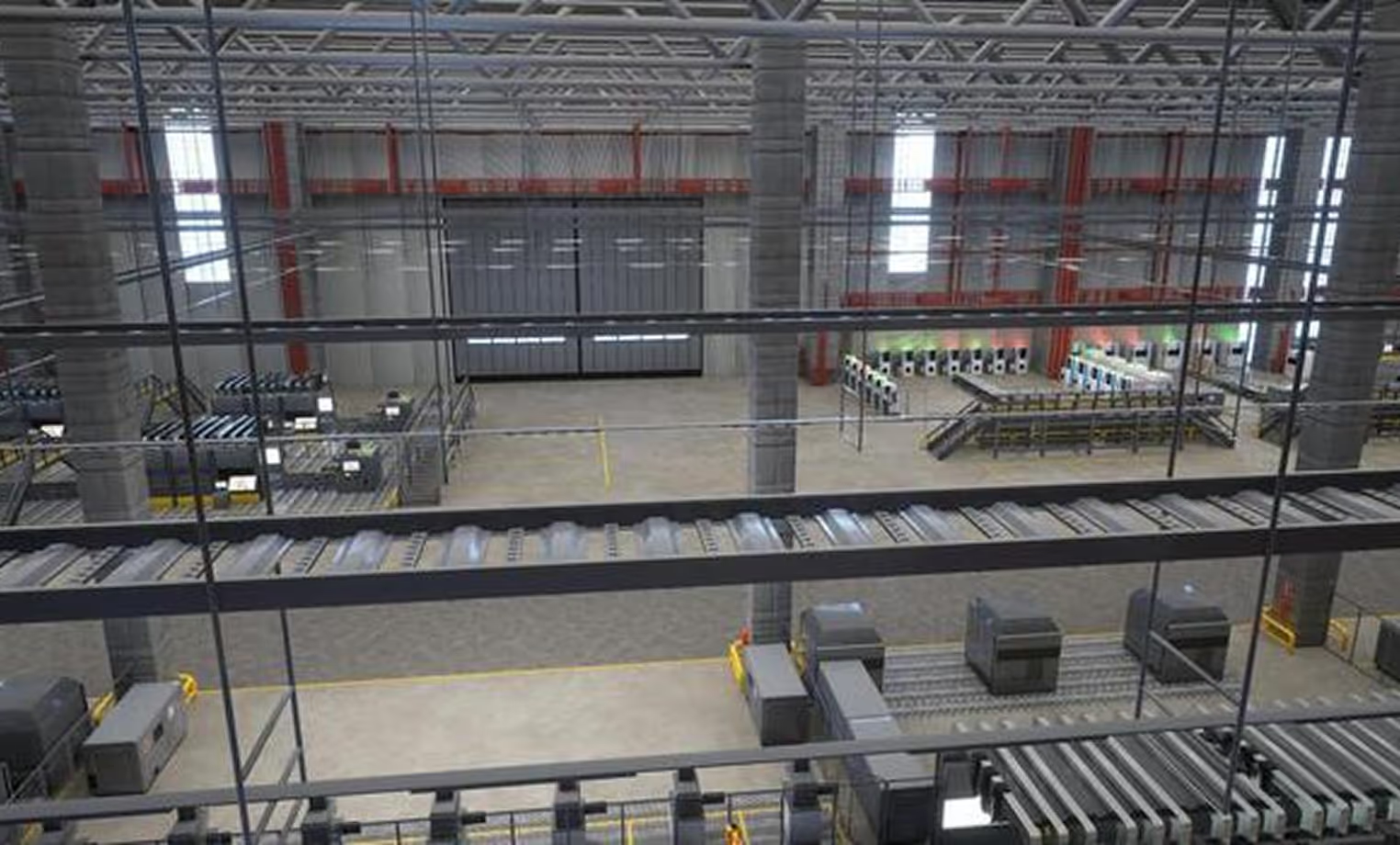
2. 3D Modeling & Environments

Custom 3D assets based on real machines, shopfloors, and tools.

  • Factory interiors, press lines, welding cells, DOJO rooms, and QA areas.

  • Machine-specific models such as stamping presses, welding guns, dies, forklifts, and inspection gauges.

  • Optimized textures and performance tuning for smooth VR playback.
3. Devices, Hosting & Support

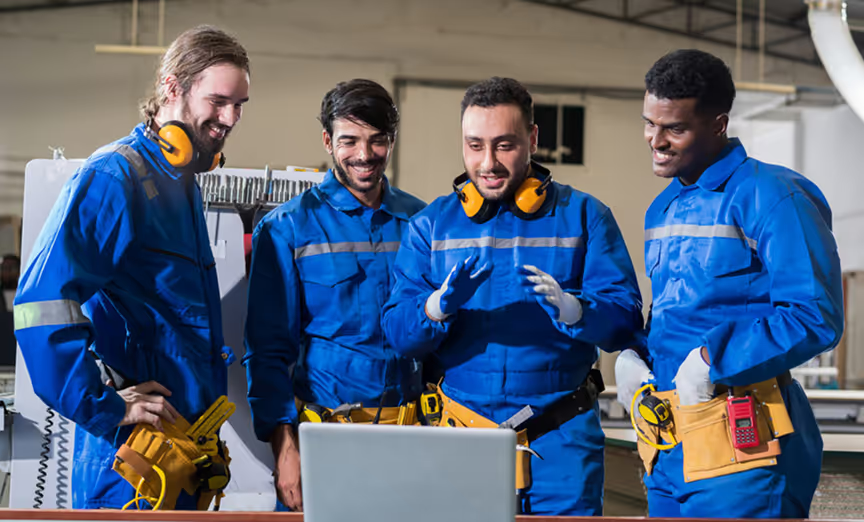
Meta Quest headsets, VR travel kits, and platform support across years

  • Headgear kits per plant with travel cases and accessories.

  • Cloud, on-prem, or private cloud hosting with agreed support SLAs

  • Ongoing maintenance, minor content patches, and usage reports

Product title

Aut aliquam et at quod. Fuga atque qui. Ullam facere quibusdam. Dolorem ut id. Eum ullam laborum et. Aliquam voluptate ut.

Product title

Product information, Lorem Ipsum. Fuga atque qui. Ullam facere quibusdam. Dolorem ut id. Eum ullam laborum et. Aliquam voluptate ut.
Product title

Product information, Lorem Ipsum. Fuga atque qui. Ullam facere quibusdam. Dolorem ut id. Eum ullam laborum et. Aliquam voluptate ut.

Product title

Aut aliquam et at quod. Fuga atque qui. Ullam facere quibusdam. Dolorem ut id. Eum ullam laborum et. Aliquam voluptate ut.

Product title

Product information, Lorem Ipsum. Fuga atque qui. Ullam facere quibusdam. Dolorem ut id. Eum ullam laborum et. Aliquam voluptate ut.

Product title

Product information, Lorem Ipsum. Fuga atque qui. Ullam facere quibusdam. Dolorem ut id. Eum ullam laborum et. Aliquam voluptate ut.

Setup an Exploratory Call (Explore XR Potential)

Thanks for being a part of Metaverse911.
Oops! Something went wrong while submitting the form.