
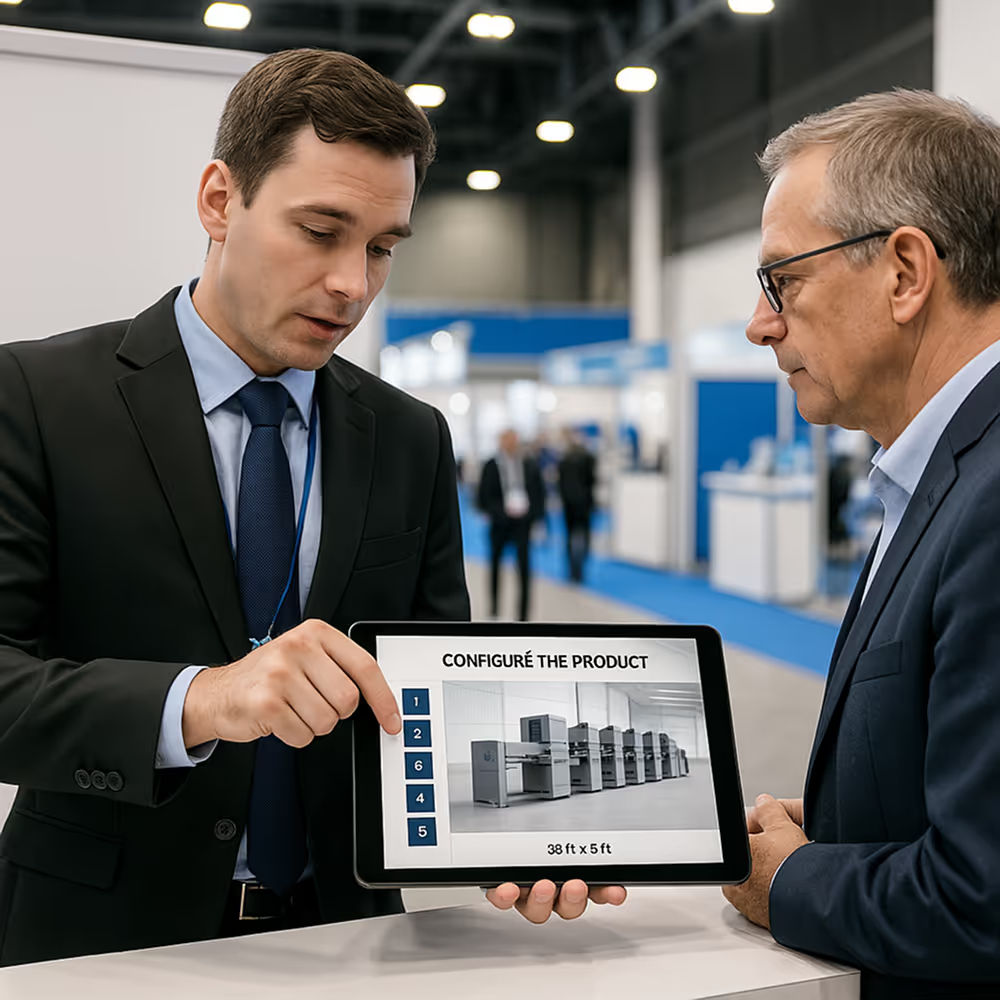
Sales Enablement App · Offline Interactive Storytelling for Complex Products

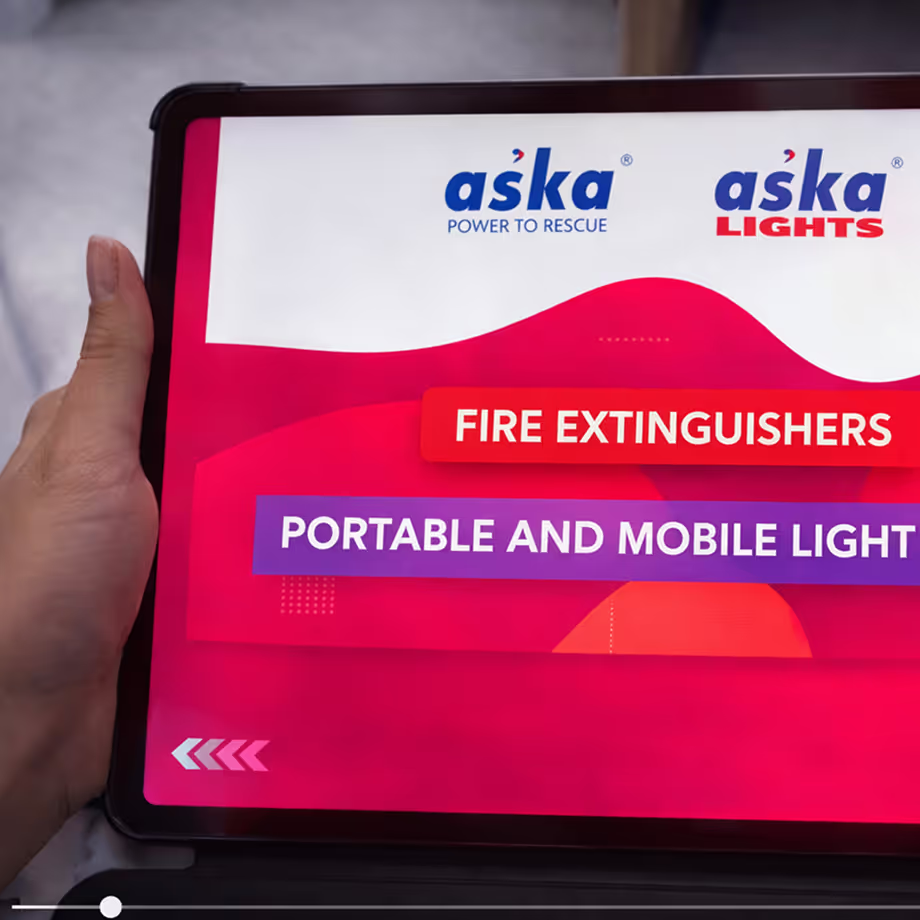
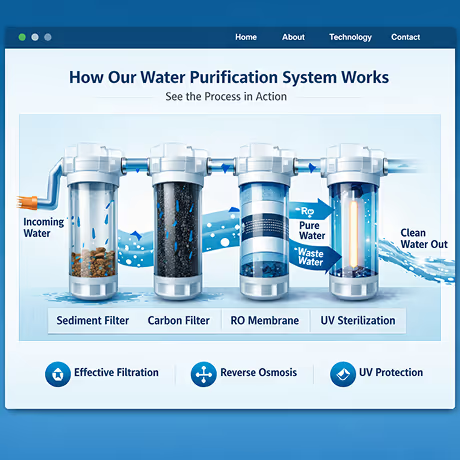
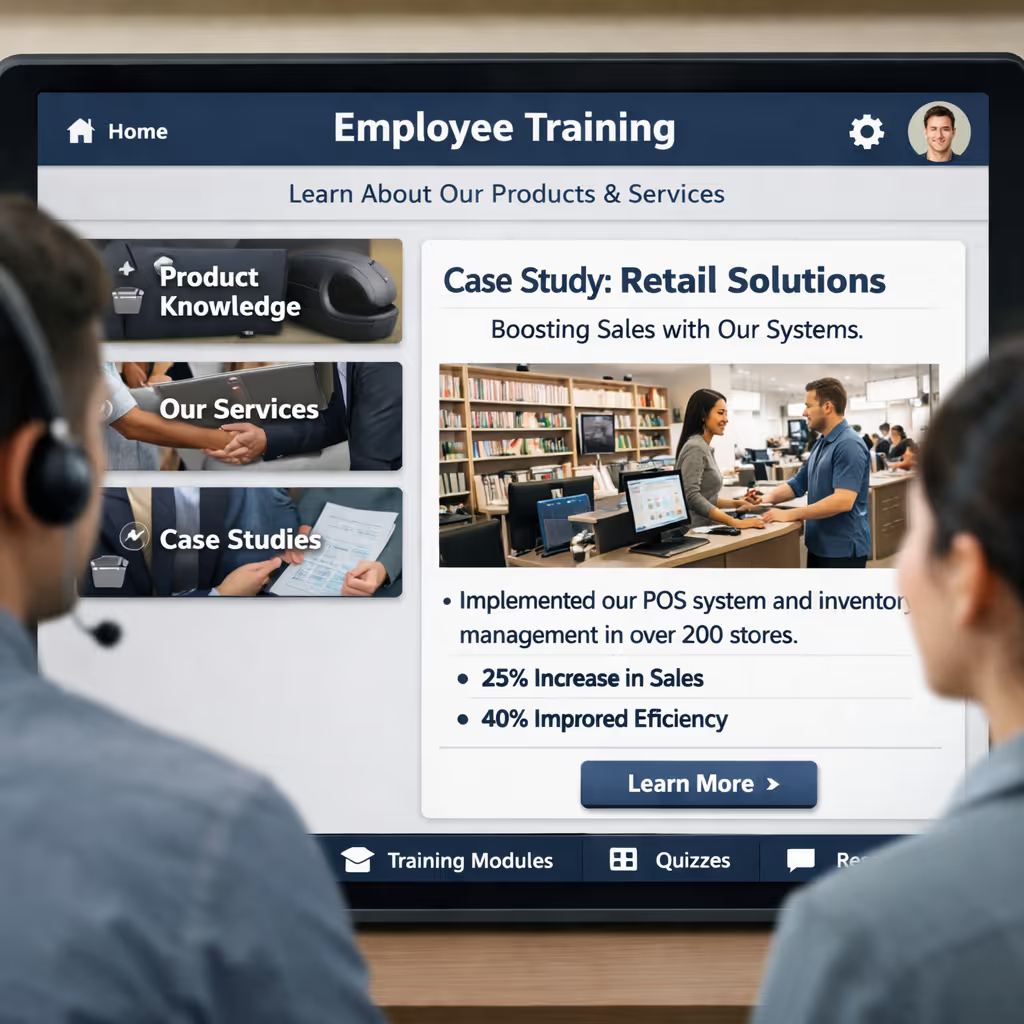
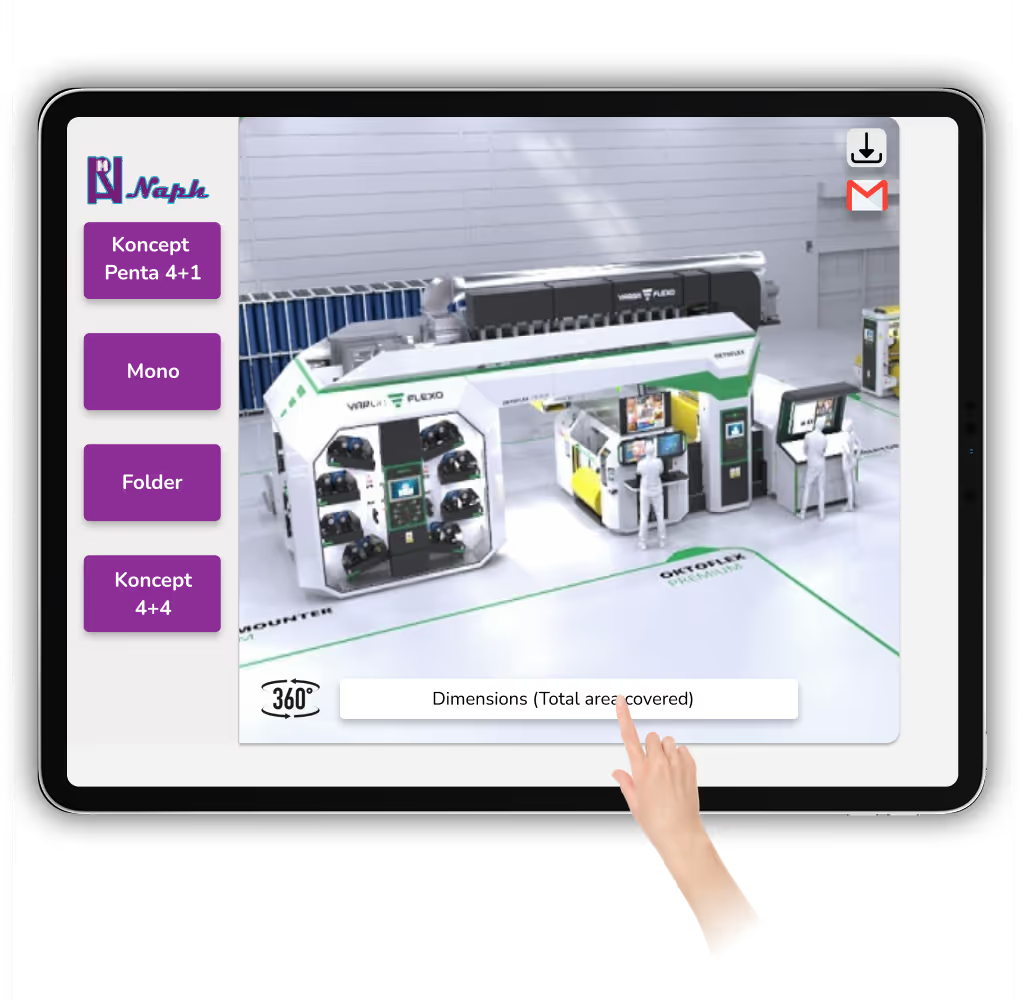
Equip your sales team with a single app that works as a presentation deck, demo tool, product explainer, and website experience—online or offline, across all devices.
Offline-First Storytelling
Unity-Powered Platform
We are here to help you!! Contact us at: +91 84479 20977 Or Schedule Meeting

Why PPTs and PDFs Are Failing Sales Teams

Checkmark
Complex Stories, Fragmented Assets:

Sales teams juggle multiple decks, videos, PDFs, and links, making it hard to tell a single, coherent story in front of a client
Checkmark
No 3D or Scenario-Based Visualisation:

Static images cannot explain working mechanisms, multi-scenario behaviour, or engineering depth of your solutions in real-world environments.
Checkmark
Dependence on Internet & Local Setup:

Live websites, streamed videos, and cloud tools often break in conference rooms, factories, and exhibition halls with unreliable connectivity.
Checkmark
Hard to Scale and Keep Consistent:

Different salespeople use different versions of content, causing inconsistencies in messaging, visuals, and impact across markets

What the Sales Enablement App Is

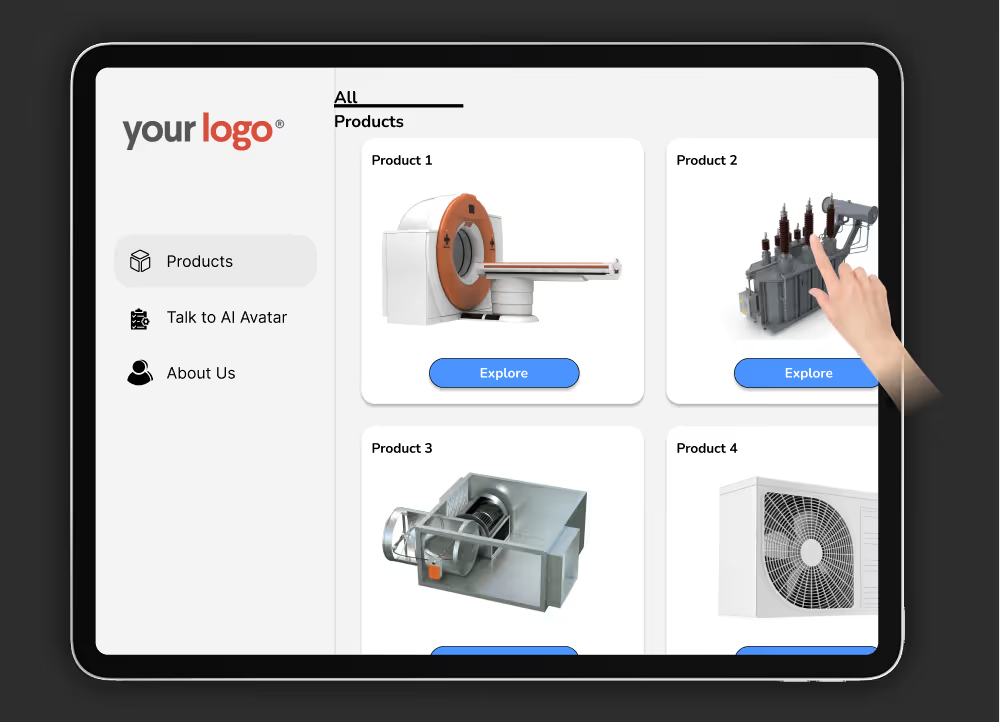
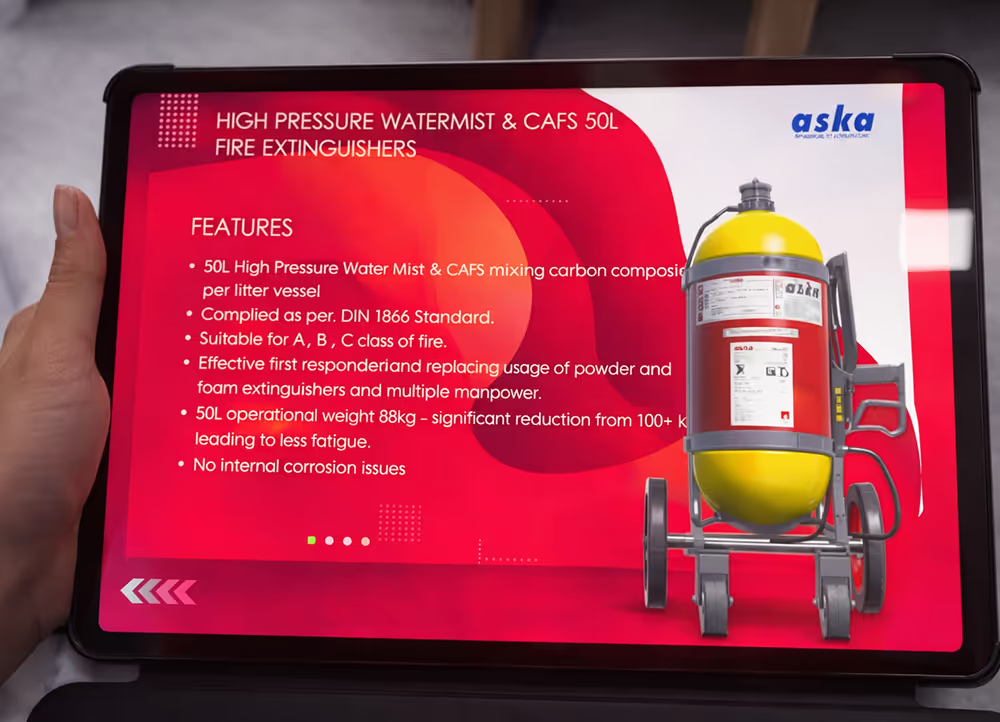
The Sales Enablement App is a fully interactive presentation deck packaged as an app. It runs on laptops, tablets, and smartphones and can optionally publish to the web, so your teams carry a single, branded tool wherever they go.
Checkmark
Built on a modular scene structure: intro, lobby, industries, services, case studies, sample projects..
Checkmark
Designed for engineering, energy, safety, and other complex domains where visuals matter.
Checkmark
Works offline by default, with optional online features when connectivity is available.
Over time, your team can add new industries, services, and case studies without overhauling the core framework.

Platform Pillars

Experience Flow · From Brand Film to Live Demo

Step-1

App Launch & Brand AV

The app launches instantly without needing internet. A 60-second audiovisual intro plays, combining motion graphics, engineering visuals, and real-world footage
Checkmark
Company legacy, global presence, and impact in one high-impact reel.
Checkmark
Optional drone shots and 360° office footage for immersive brand storytelling
Checkmark
If audio is unavailable, the sales team can narrate over the same visuals.
Step-2

Virtual Lobby Navigation

After the intro, the user enters a virtual lobby—a menu screen designed as a 3D or animated environment that acts as the home hub.
Checkmark
Click to explore industries served, services, client list, and case studies
Checkmark
Immersive sliders or windows that reveal details on hover and click.
Checkmark
Client logos, timelines, and project snippets displayed with motion.
Step-3

Services & Case Study Pages

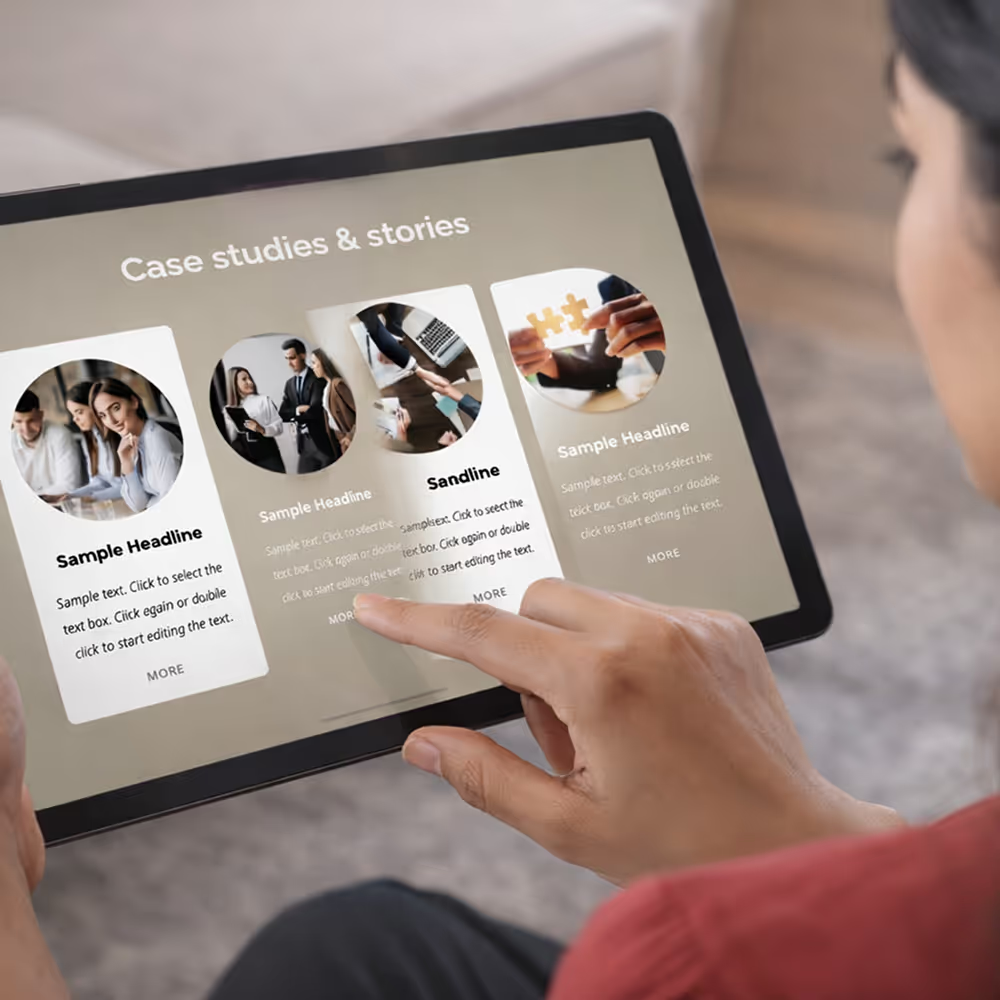
Each service or case study page follows a consistent storytelling arc so sales conversations stay sharp and outcome-focused.
Checkmark
Problem statement from the client or industry perspective.
Checkmark
Your approach and methodology, told visually.
Checkmark
Solution delivered and measurable impact
Checkmark
Supporting visuals, animations, or simulations playing on loop
Step-4

Multi-Scenario Product Demo

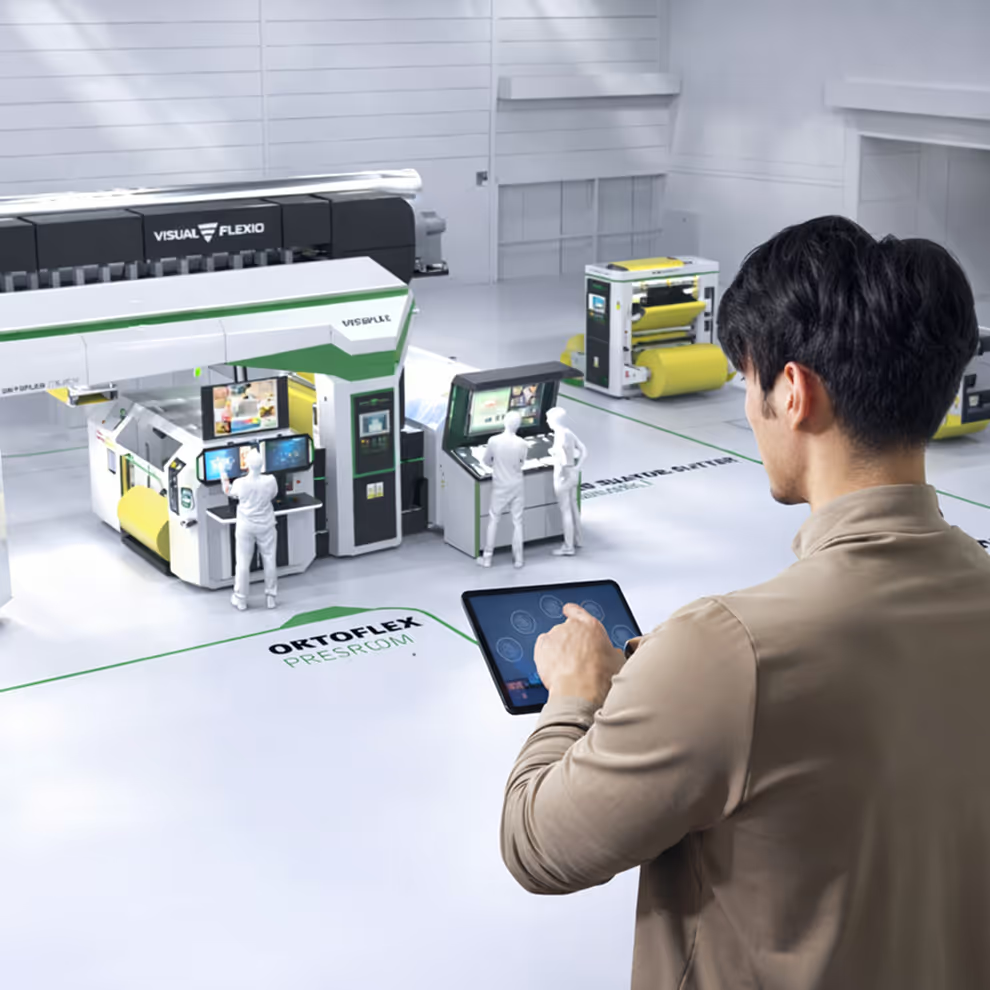
For products like EV fire protection or industrial systems, the app adds a multi-scenario 3D experience that shows how the solution behaves in real environments.
Checkmark
Opening video with statistics and context for the problem (for example, EV fire incidents).
Checkmark
Scenario selection screen—such as residential parking, shopping mall, corporate basement.
Checkmark
3D environment with the product in the centre, fully rotatable and zoomable.
Checkmark
Button-driven product demo: ignition, detection, suppression, and post-event state.
Step-5

X‑Ray Walkthrough & Replay

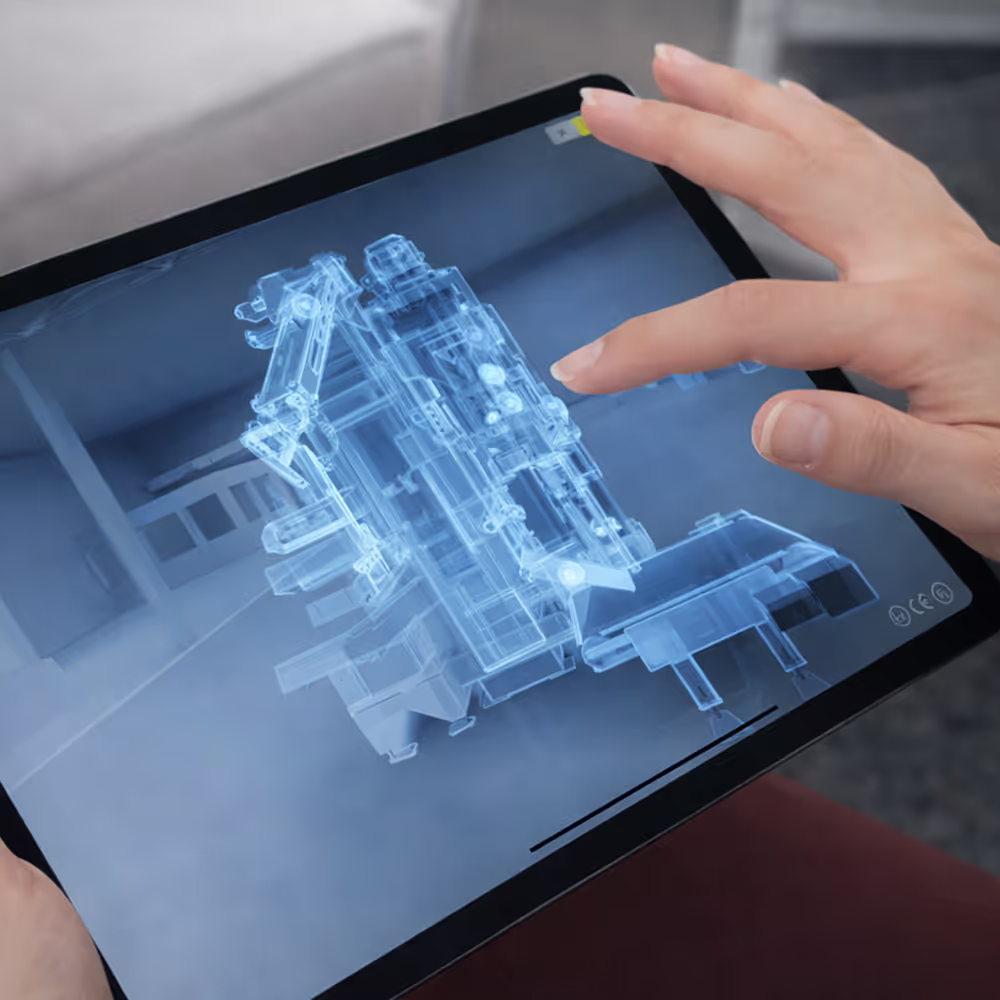
After the main simulation, the app reveals an X‑ray style view so stakeholders understand internal workings without opening any hardware.
Checkmark
Semi-transparent vehicle or system overlay exposing installed components.
Checkmark
30-second guided walkthrough of early detection, activation, spray pattern, and alerts.
Checkmark
“Pick Another Environment” option to quickly switch scenarios mid-meeting.
Step-6

Flexible Navigation During Meeting

At any point, the presenter can jump between services, projects, and product demos, depending on where the conversation goes
Checkmark
Clickable menus and back buttons always visible.
Checkmark
No external apps or players needed; everything sits in one unified interface.
Checkmark
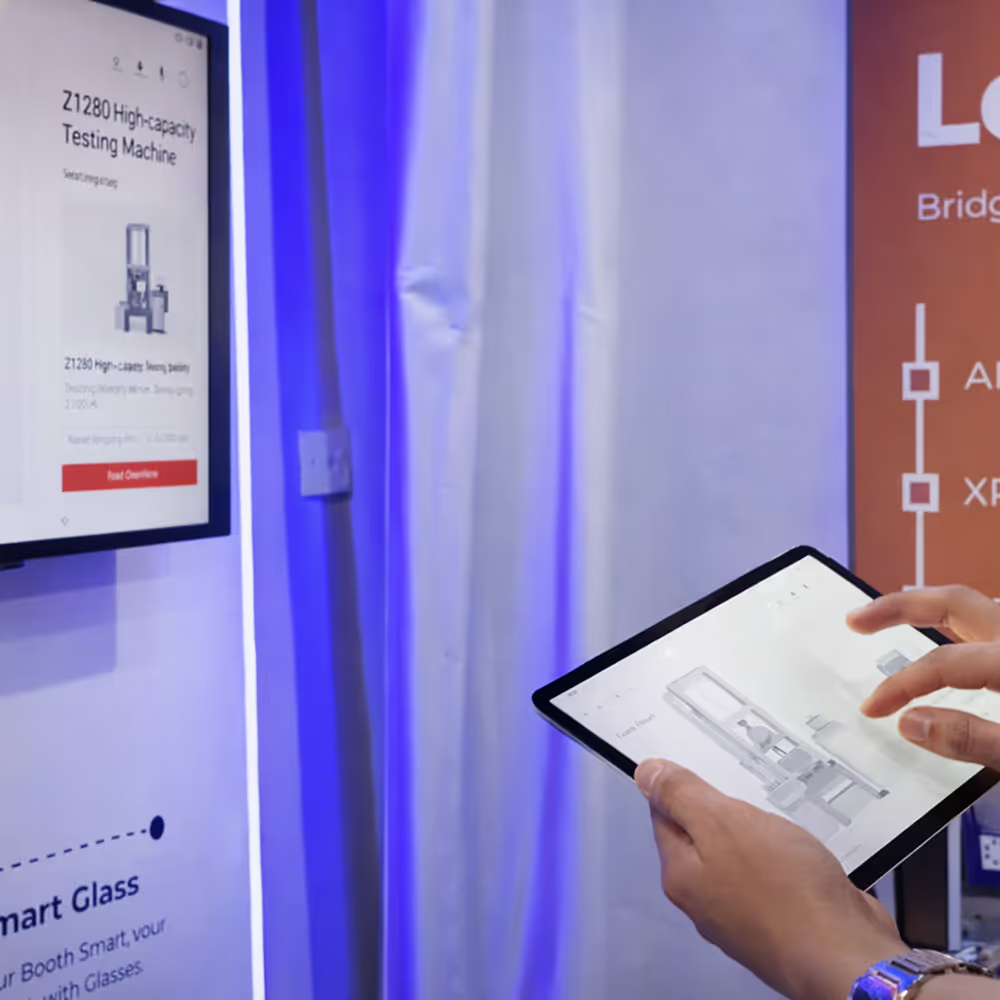
Designed for single-presenter use on laptop as well as self-guided exploration on tablet.

Core Capabilities of the Sales Enablement App

Platform & Compatibility

Supported Devices

Windows and macOS laptops, Android and iOS tablets and phones, with optional WebGL or kiosk/touch panel builds.

Connectivity

Designed to run fully offline during presentations; internet only needed for updates or optional online features.

Engine

Built in a modern 3D engine (such as Unity) to support high-quality animations, 3D models, and smooth transitions.

Audio Handling

Supports voiceover and effects while still allowing presenters to manually narrate when sound is not available.

Content & Structure

Intro Module

High-impact audiovisual sequence combining footage, graphics, and metrics.

Navigation Hub

Virtual lobby with clickable sections for industries, services, clients, and case studies.

Service Pages

Problem → approach → solution → impact with visuals, animation, and optional audio.

Product Demo Scenes

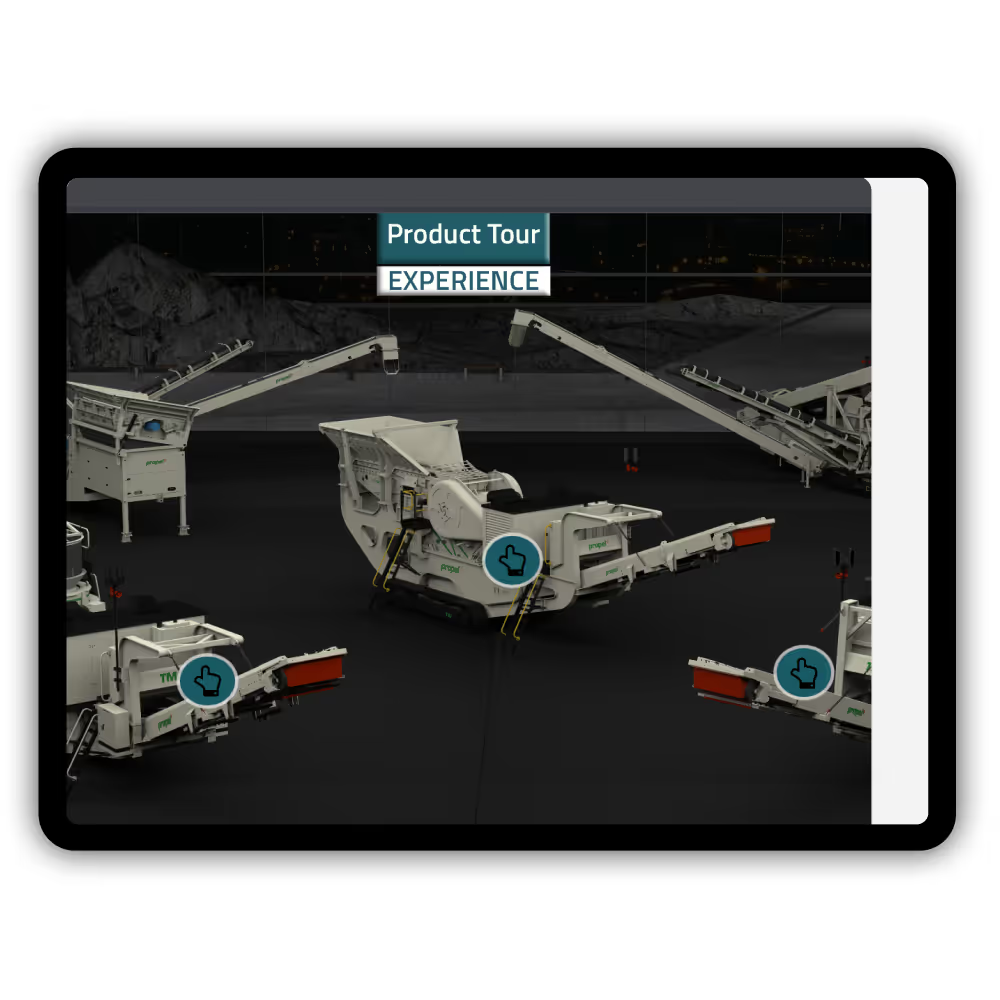
Multi-scenario, 3D & 360° environments with zoom, rotate, and interactive buttons.
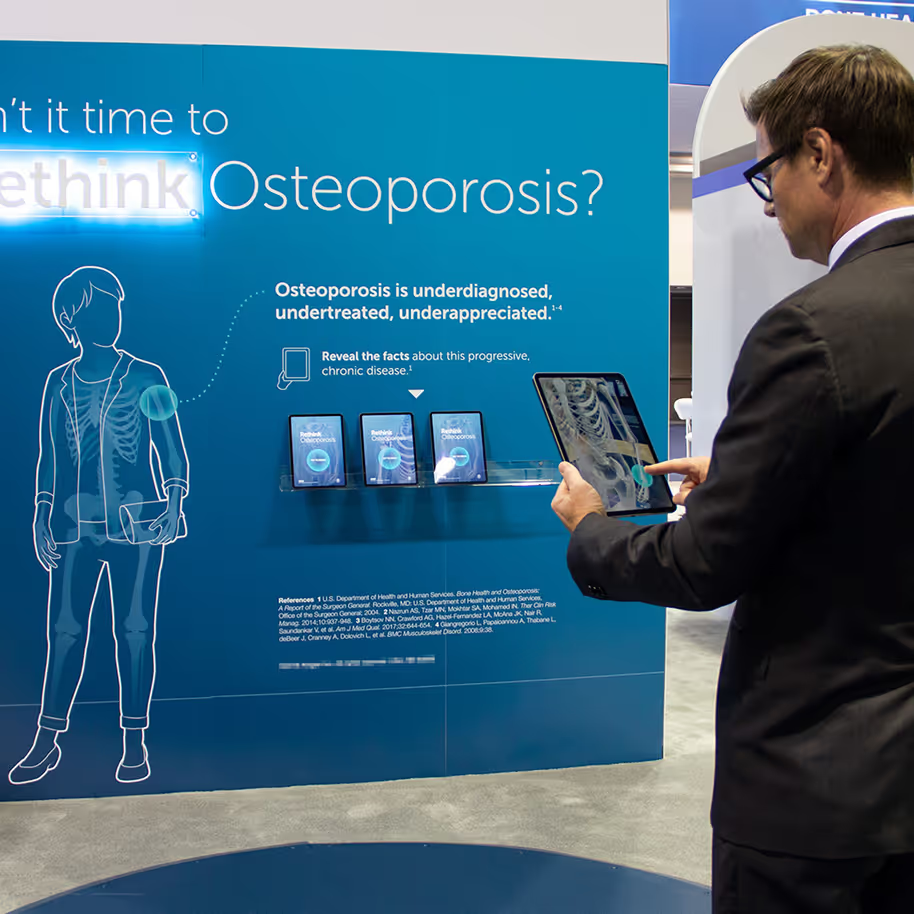
Scalability

New industries, services, and cases can be added into existing menu and page templates.

Design & Interaction Highlights

Where Sales Teams Use This App

Deliverables, Timeline & Support

Typical Deliverables

Interactive Sales App

Final builds for Windows, macOS, Android, iOS, and optionally WebGL or kiosk hardware.

AV Intro Module

60-second brand film, including motion graphics and optional 360°/drone footage, optimised for offline playback.

Navigation Framework

Virtual lobby, menus, and navigation structure wired for industries, services, clients, and case studies

Content Pages

Service and case study screens with final copy, visuals, and animations plugged into templates

3D/CG Product Scenes

Multi-scenario 3D environments and mechanism animations for key products where required.

Assets & Templates

Design assets, visual templates, and base files for future expansion.

Operating Manual

Usage guide for sales teams and admins, including how to add or update content.

Engagement Model

Storyboarding Support

Collaborative workshops to transform your raw content into flows, scripts, and visual narratives.

Phased Build

Intro and lobby first, followed by service pages, case studies, and finally 3D scenarios and refinements.

Timeline

Timeline depends on scope; a typical first version with intro, lobby, and core pages can be delivered in a few weeks.

Support & Updates

Options for ongoing maintenance, new content drops, and platform updates to keep the app current.

Contact us

Get hands-on with Immersive GenAI at India’s First Metaverse Experience Center — explore the future of training and technology today!

Explore the Immersive Gen AI Training Solution Today

Thank you! Your submission has been received!
Oops! Something went wrong while submitting the form.